Sotabeams Contest Console for ICOM devices
Sotabeams contest console for icom-0 devices
Sotabeams Contest Console for ICOM devices
Sotabeams contest console for icom-0 devices

Sotabeams Contest Console for ICOM devices

SB-CC-ICOM
In Stock
€81.43

Order processing times and shipping times:

Order processing includes: order registration after payment, adding the order to the list of previously registered orders, replenishing the product if it is not in stock, checking the product, packaging the product, preparing a shipping label for the product, and handing over the shipment to the courier.

Orders are generally processed within 3 business days of receiving payment, however, we strive to fulfill orders the same day whenever possible.

Once the goods have been picked up by the courier, it is not possible to change the shipping address or cancel the order.

When will it arrive?

Shipping and delivery times for products entrusted to the courier vary from 1 to 5 business days.

Deliveries are made Monday through Friday.

Delivery times are purely indicative and are in no way binding. Shipments are handled by external couriers (e.g., Poste Italiane Group, SDA, GLS, BRT, UPS, DHL, MailBoxes, etc.), so we cannot guarantee a specific delivery date, only an approximate timeframe.

Deliveries are subject to undetermined variations during holidays, unexpected or planned carrier strikes, shipment management issues with the courier, or significant weather conditions.

Deliveries may be delayed if the shipping company encounters management issues: e.g., misdirected shipments to other regions, lost shipments, adverse weather conditions, locations not served daily, delays during the Christmas period, delays during the Black Friday period, etc.


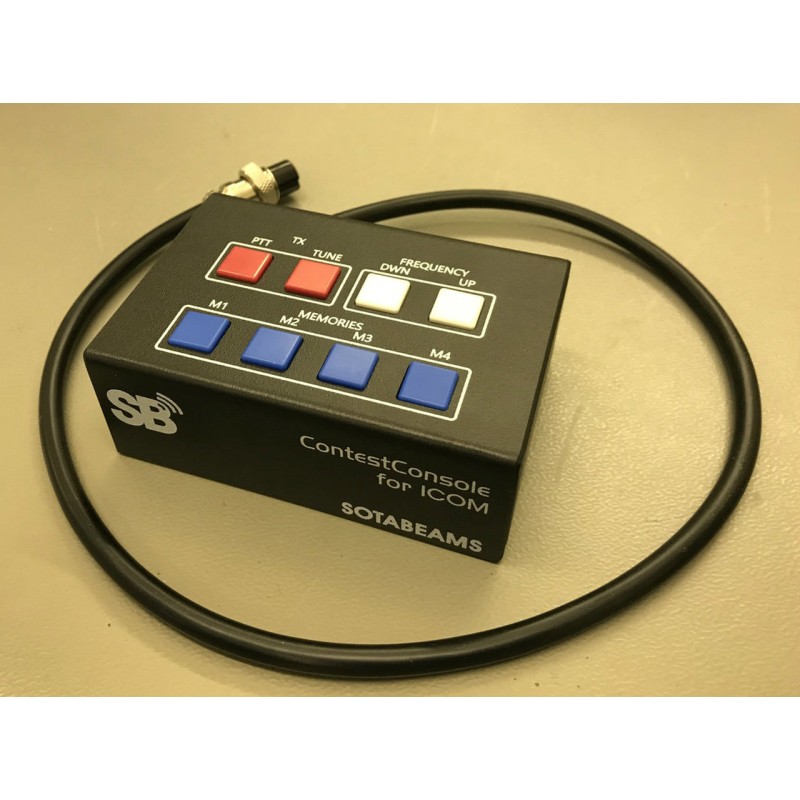
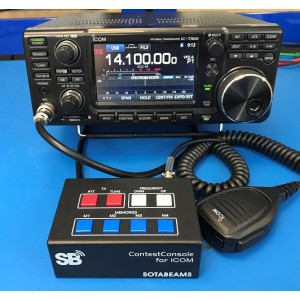
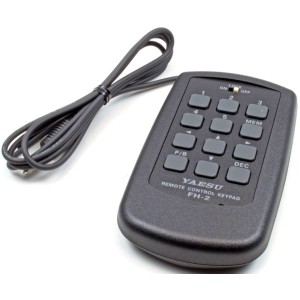
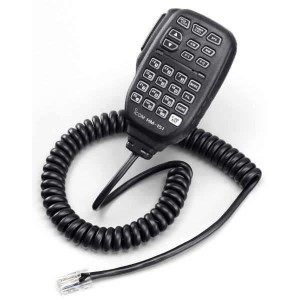
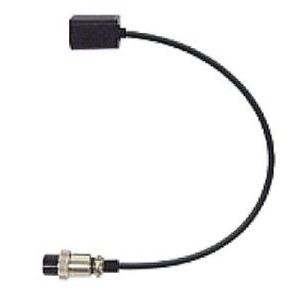
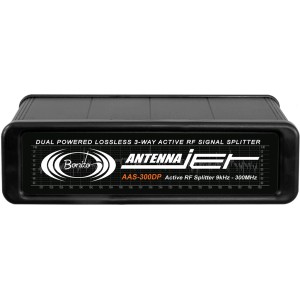
Take full control of your ICOM radio using the Sotabeams ContestConsole. Easy to use: it is connected between microphone and radio. {

  • Functions (depending on the radio model) {
  • immediate access to the vocal memory, CW and PSK (without having to access the radio display) {
  • TX PTT button {
  • Frequency selection by pressing a button (higher frequency / lower frequency - or memory channel up and down. {
  • EXTERNAL PTT connector for pedal switch {
  • additional microphone connector (3.5 mm)

Is the ContestConsole compatible with my radio? {

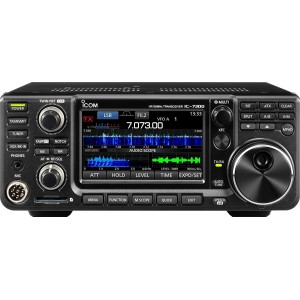
The contestconsole was developed for the IC-7300, but it also works with many other ICOM radio. {

{

IC-2300H, IC-2730, IC-275, IC-575, IC-7000, IC-703, IC-706, IC-707, IC-718, IC-7300, IC-7300, IC-7400, IC-746PRO, IC-756, IC-756PRO, IC-756PROII, IC-756Proii, IC-7600, IC-7610, IC-7700, IC-78, IC-7800, IC-7850, IC-7851, IC-9100, IC-910H, ID-4100A, ID-4100E

The functionality could be different for some models. In the download section you will find a complete list. {

{

Tips for use

{
  • {
  • To ensure the operation of all checks, it is necessary to change some radio settings first - search for "external keyboard" for more details make use of the radio manual. {
  • Do not connect two microphones simultaneously. To use a microphone via contestconsole, use the 3.5 mm connector or the 8 -pin connector, but never both at the same time. { {
  • for some models, it may be necessary to connect an external storage support (memory card or USB stick) so that the voice memory works. {
MPN
7438641839230
Sku
SB-CC-ICOM
New
All product reviews comply with DIRECTIVE (EU) 2019/2161
No reviews

You might also like

Comments (0)
Product added to wishlist
Product added to compare.

We use cookies to help you navigate efficiently and perform certain functions. You'll find detailed information on all cookies under each consent category below. Cookies categorized as "Necessary" are stored on your browser as they are essential for the basic functionality of the site.