Shopping Cart

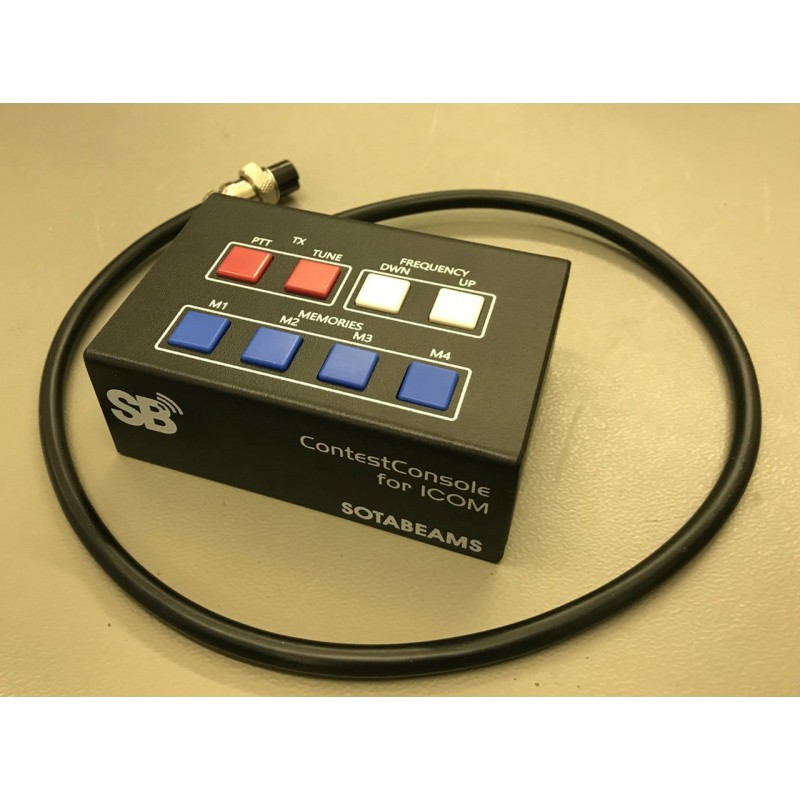
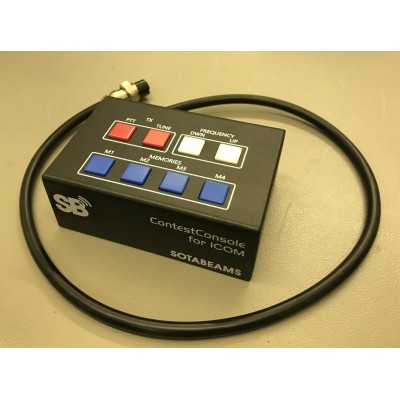

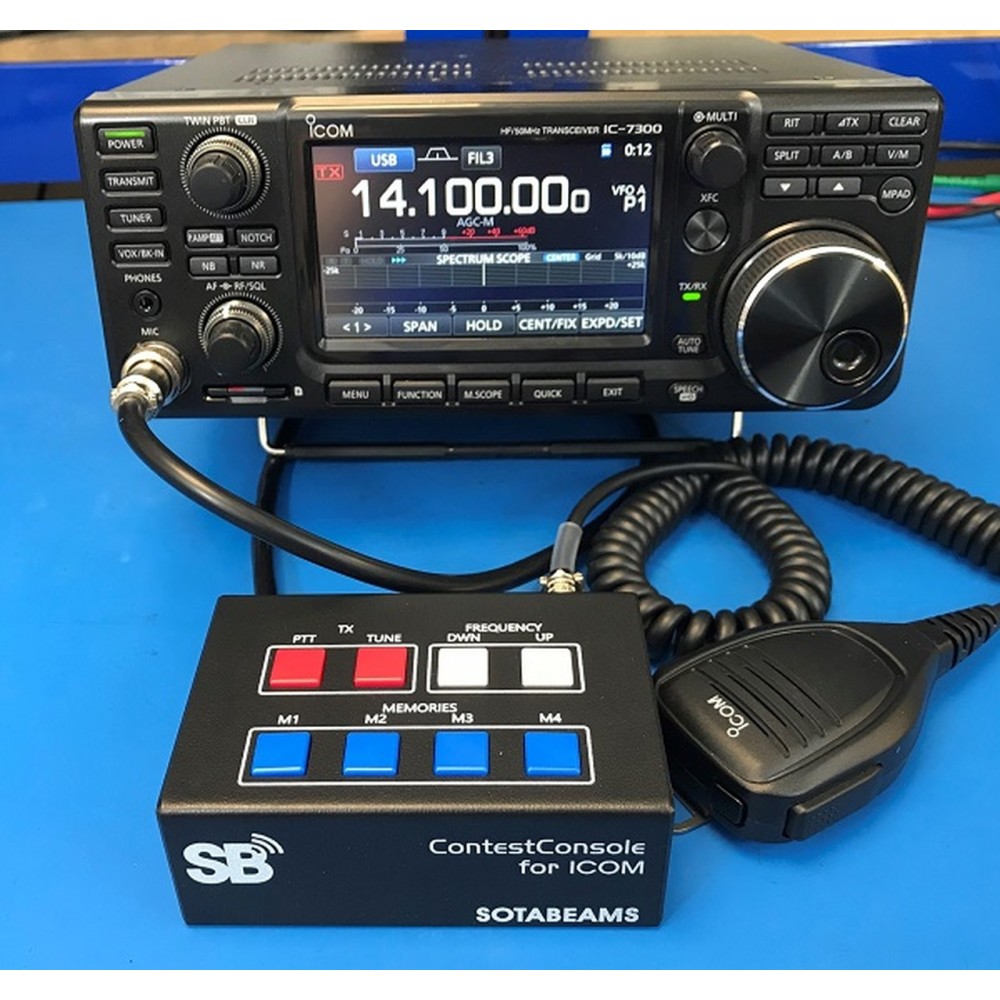
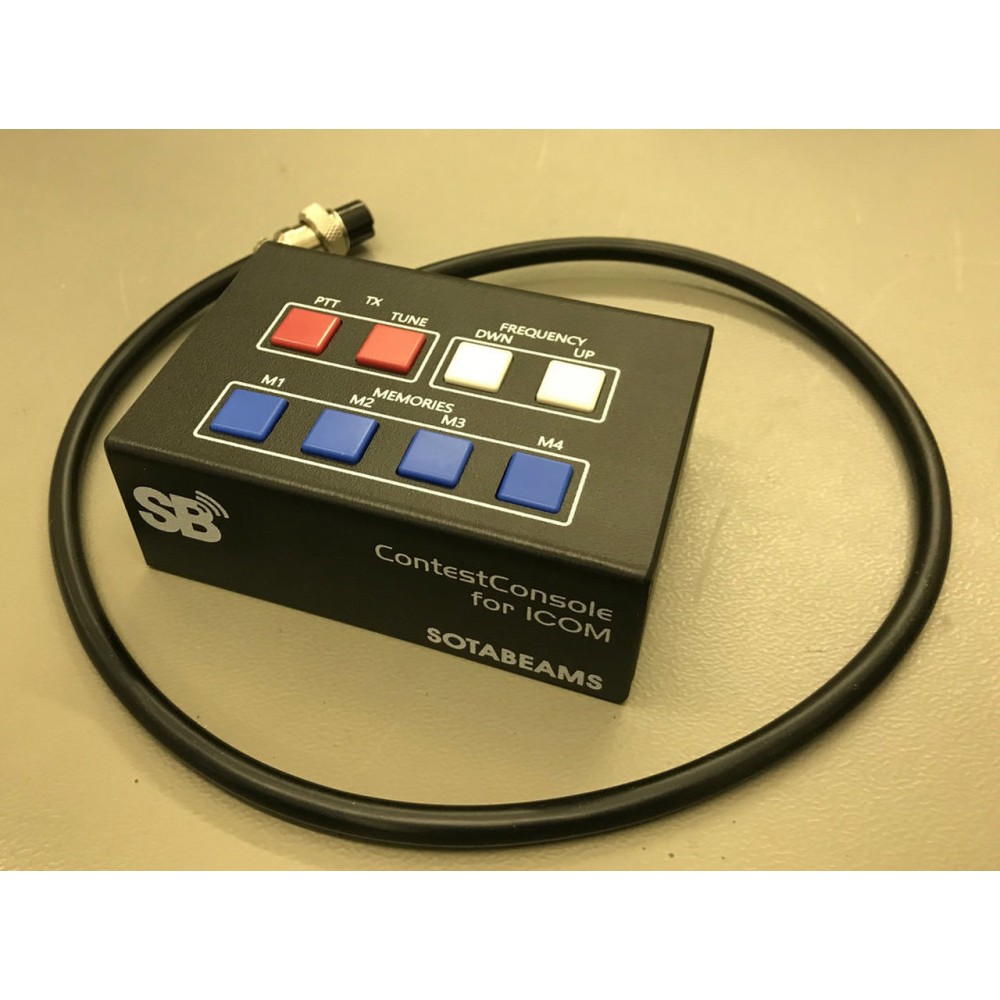
Prenez le contrôle total de votre radio ICOM à l'aide du concours Sotabeams. Facile à utiliser: il est connecté entre microphone et radio. {
- fonctions (selon le modèle radio) {
- Accès immédiat à la mémoire vocale, CW et PSK (sans avoir à accéder à l'affichage radio) {
- TX PTT bouton {
- Sélection de fréquence en appuyant sur un bouton (fréquence plus élevée / fréquence inférieure - ou canal de mémoire de haut en bas. {
- Connecteur PTT externe pour commutateur de pédale {
- Connecteur de microphone supplémentaire (3,5 mm)
Le concoursConsole est-il compatible avec ma radio? {
Le concoursConsole a été développé pour l'IC-7300, mais il fonctionne également avec de nombreuses autres radio ICOM. {
{IC-2300H, IC-2730, IC-275, IC-575, IC-7000, IC-703, IC-706, IC-707, IC-718, IC-7300, IC-7400, IC-7600, IC-7610, IC-7700, IC-78, IC-7800, IC-7850, IC-7851, IC-9100, IC-910H, ID-4100A, ID-4100E
La fonctionnalité pourrait être différente pour certains modèles. Dans la section de téléchargement, vous trouverez une liste complète. {
{Conseils pour une utilisation
{- {
- Pour garantir le fonctionnement de toutes les vérifications, il est nécessaire de modifier d'abord certains paramètres de radio - recherchez le "clavier externe" pour plus de détails, utilisez le manuel de radio. {
- Ne connectez pas deux microphones simultanément. Pour utiliser un microphone via concoursConsole, utilisez le connecteur de 3,5 mm ou le connecteur à 8 broches, mais jamais les deux en même temps. { {
- Pour certains modèles, il peut être nécessaire de connecter une prise en charge de stockage externe (carte mémoire ou bâton USB) afin que la mémoire vocale fonctionne. {
SB-CC-ICOM
New
7438641848447
7438641848447
No reviews
Comments (0)
No customer reviews for the moment.
Tap to zoom