Shopping Cart

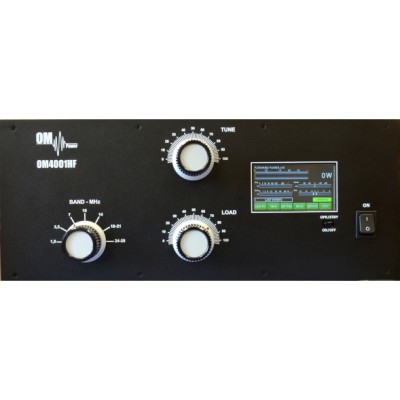

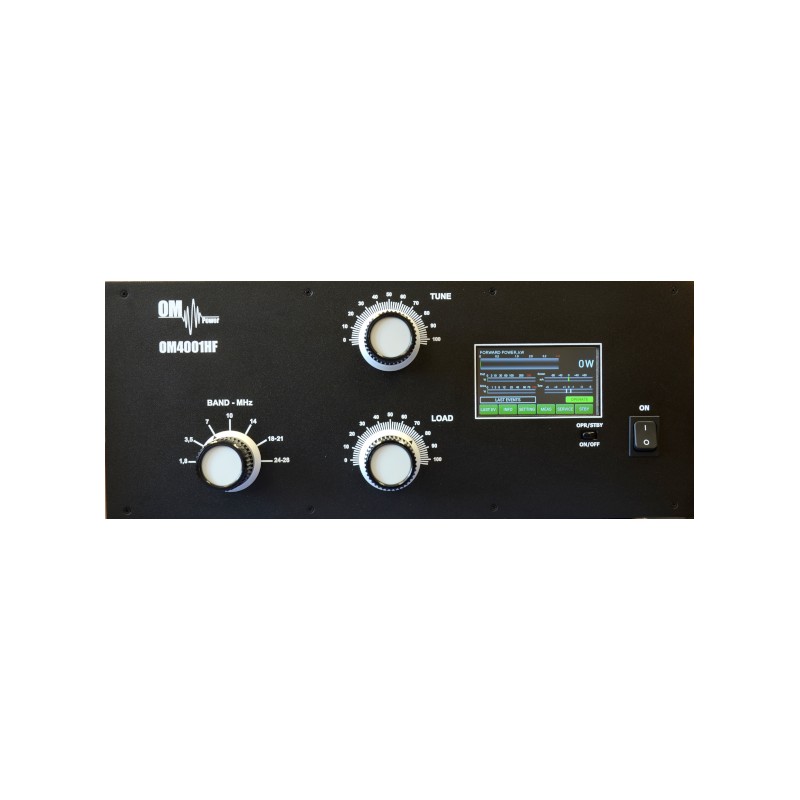
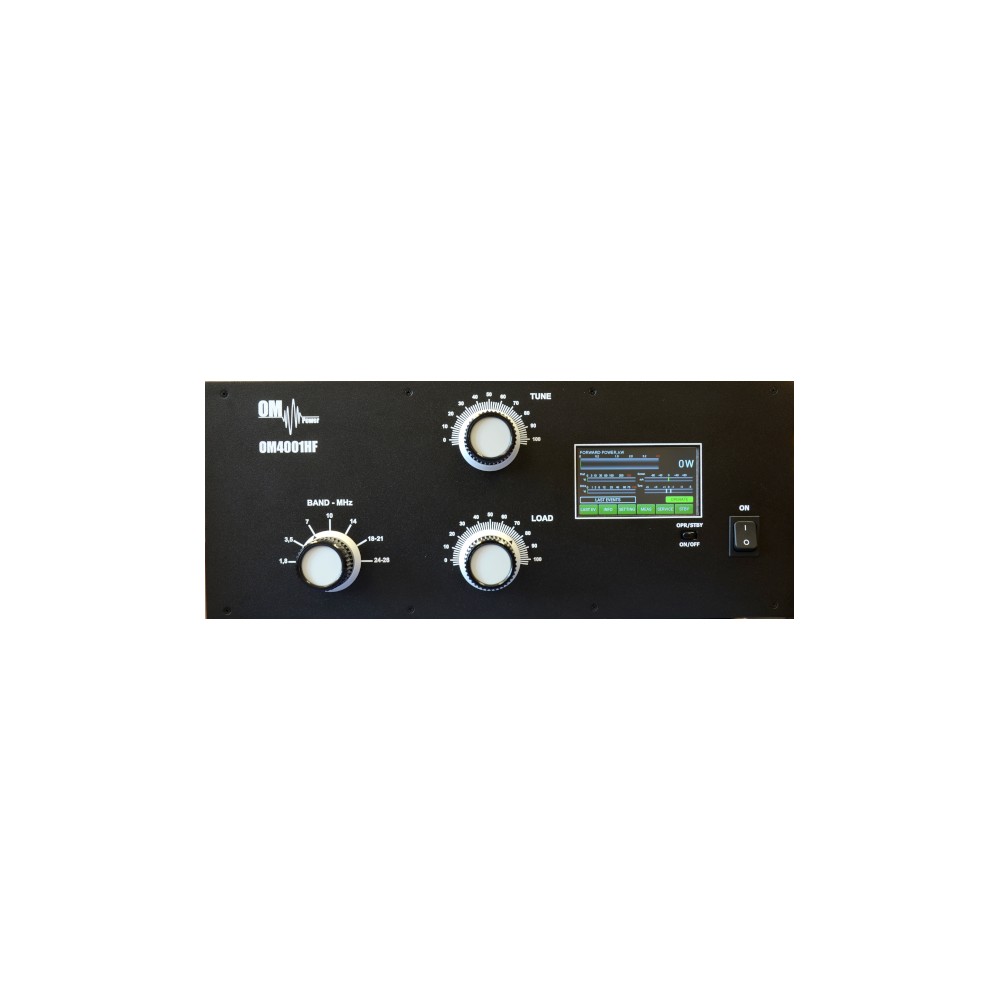
OM POWER OM4001HF 4 KW amplifier is an automatic power amplifier, designed for use on all shortwave amateur bands from 1.8 to 29.7 MHz (including WARC bands) and all modes. It is equipped with two FU728F ceramic valves.
The advantages of OM POWER OM4001HF 4 KW amplifier
-
-
Full compatibility with
- - ICOM
- - YAESU
- - ELECRAFT
- - Ten-Tec Orion
- - Kenwood
- - Icom transception protocol using microHAM devices - CI-V output (MK II, MK2R, MK2R+, etc.)
- - Flex Radio Series 6xxx
- - Apache Labs Anan
- RF sensitive band and frequency switching,for use with radios that do not have CAT
- Automatic switching between bands
- Automatic band tuning by segment
- Automatic band pass filter switching - BAND DATA output compatible with YAESU radios (BCD code)
- Automatic switching of antenna switches: the maximum number of antennas is 10, controlled by BCD output code
- Remote control via PC Windows application
- Frequency coverage: Amateur bands 1.8 - 29.7 MHz, including WARC
- Output power: 4000+ W in SSB and CW on HF bands, 3000 W in
- RTTY and DIGI modes
- Input power: Generally 40 to 60 W for maximum output power
- Input impedance: 50 Ohm, VSWR <1.5: 1
- Power gain: 17 dB
- Output impedance: 50 Ohm unbalanced
- Maximum output output: 3: 1
- SWR protection: Automatic switching to STBY, when reflected power is 350 W or more
- Intermodulation distortion: -32 dB below nominal output
- Harmonic suppression: <-50 dBc
- tubes: 2x FU728F ceramic tetrode
- Coolest: Centrifugal blower + Axial blower
- Auto tuning response rate: less than 0.5 in same BAND, less than 3 if not in BAND
- Power supply: switchable 2 x 220/230 / 240V - 50 Hz one or two phases
- Transformers: 2 pcs of 3kVA toroidal transformer
- Dimensions: 485 x 200 x 455 mm (width x height x depth)
- Weight: 46 kg
Mask: 255.255.255.0
Gateway: 192.168.1.1
-
OM4001A specification:
The power amplifier is interfaced to the LAN via XPORT produced by Lantronix (type XP1001000-05R). More information can be found at www.lantronix.com .
The XPORT factory default settings are:
IP Address: 192.168.1.222
These are strictly default settings. You can change any of these by accessing the XPORT Web GUI via your web browser. It is not recommended to change other parameters of the XPORT interface as loss of communication can be caused by this. There is no default username or password. It is strongly recommended to protect the web interface with a username and password.
For remote control and monitoring over LAN, special software is required. It is available for free
OM4001HF_
200 Items
New
7438641847808
7438641847808
No reviews
Comments (0)
No customer reviews for the moment.
Tap to zoom